Claude Chrome Extension = Ultimate Route Planner
How I planned a self-supported 50K, coffee stops and all, and sent the GPX straight to my watch in minutes.

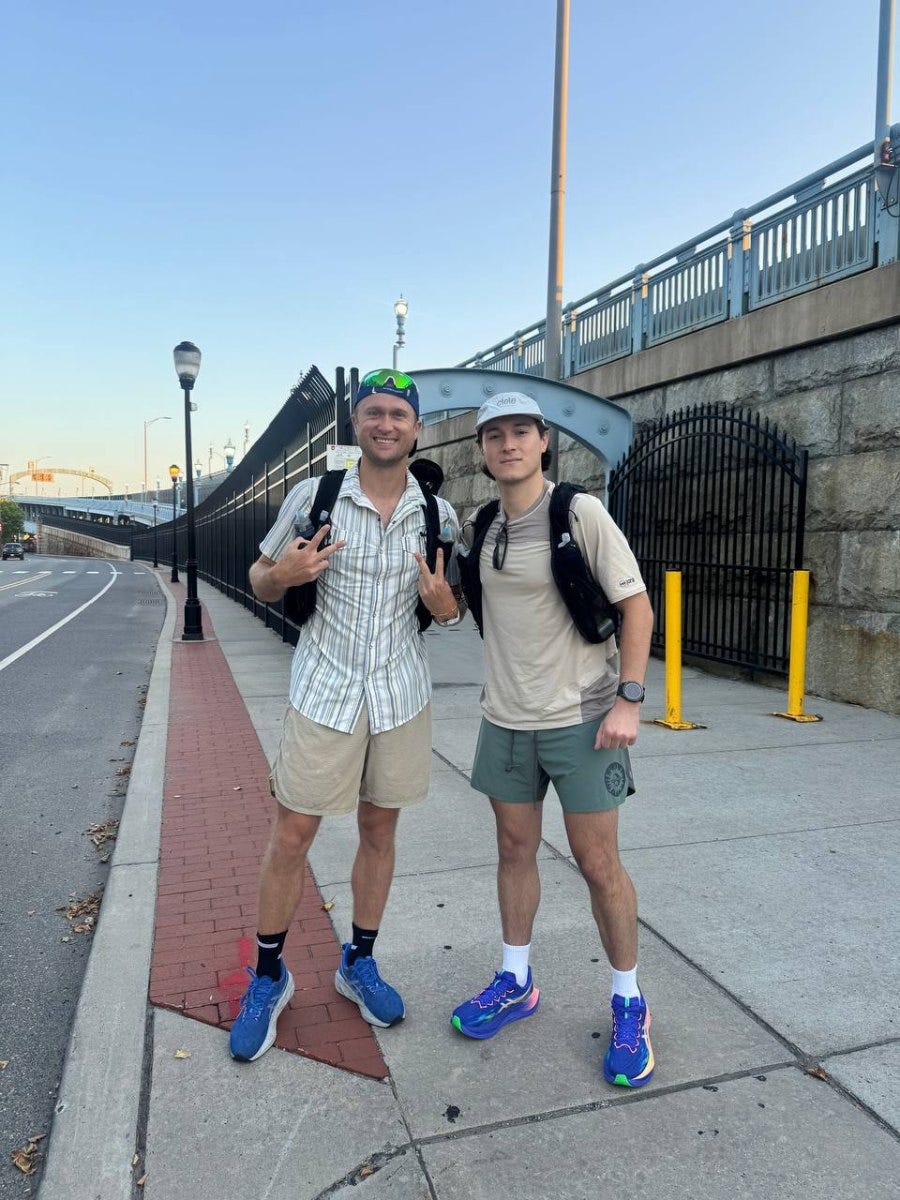
I just ran a self-supported 50K on one of the hottest days on record in Philly.
Traditionally, planning something like this means meticulously mapping out open coffee shops, gas stations and bathrooms so you can keep going. This time, I pointed the Claude Chrome extension at the internet and my Garmin account, and it built the whole thing.
What it did
Pulled every coffee shop along the route and checked that each one would be open
Found the route that best fit my preferred style (trails, obviously)
Created a custom GPX file with stopping points and sent it straight to my watch
All in minutes.

How to do it
Install the Claude Chrome extension.
Sign in to Garmin Connect.
Open Claude from the browser toolbar and paste in the prompt below.
Use it to plan your next long run or ride and let me know how it goes.
Train with your own data. Build your own AI coach.
Athlete AI helps athletes and coaches take control of their training with AI. No code required. Join the free community for the 7-Day Challenge and the full classroom, or get the news in your inbox every week.
READY TO BUILD YOUR OWN APP OR AI AGENT? SEE ATHLETE AI LABS →