Nextmind
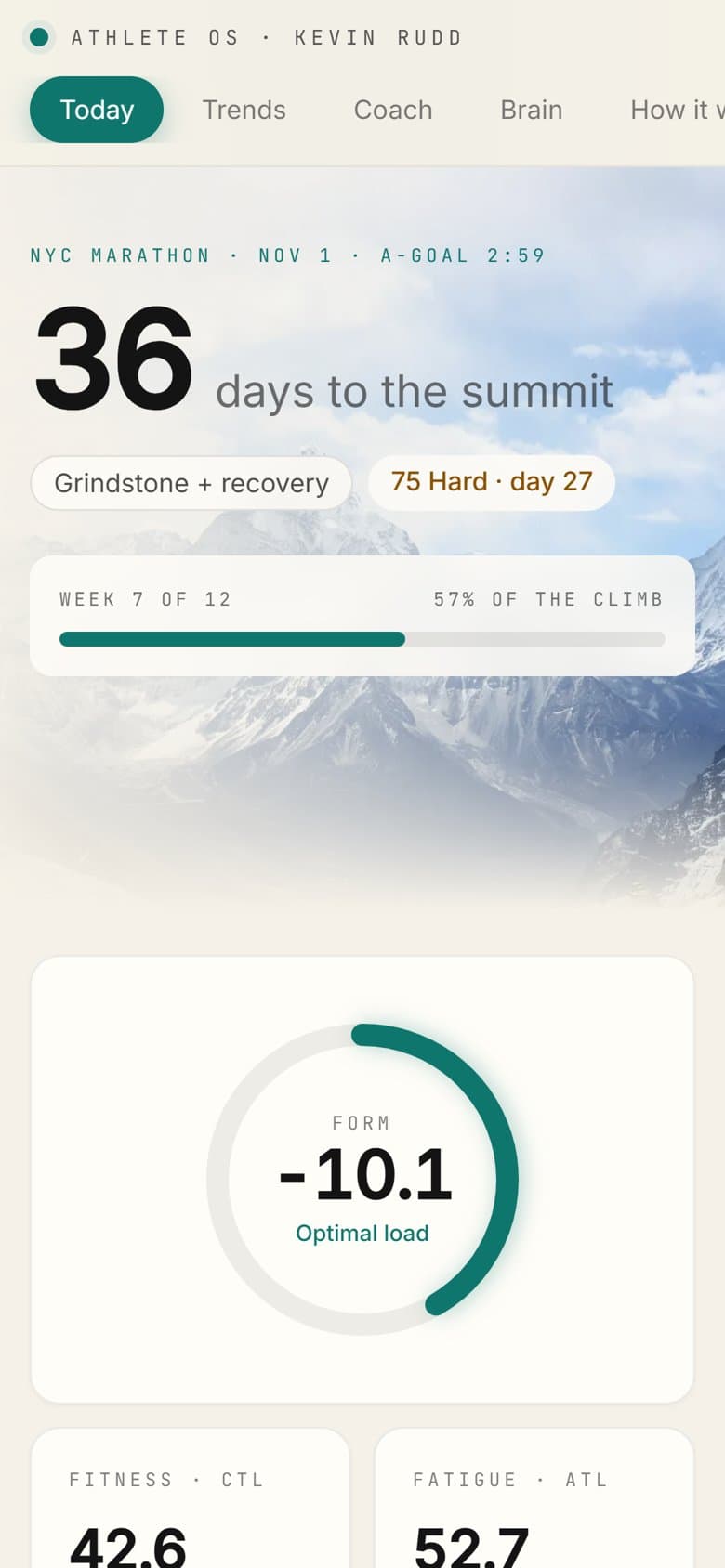
Kevin's Athlete OS on a phone: 36 days to the NYC Marathon, week 7 of 12
Free Community

Turn your training data into your own AI coach.

Learn to build with your Garmin, Strava, and WHOOP data alongside 1,200+ athletes. Start with the free 7-Day Challenge. No coding background needed.

Join 1,200+ athletes and builders

Works with the gear you already wear, and the tools we build with.

Garmin
Apple Health
WHOOP
Oura
COROS
Strava
Hevy
Zwift
TrainingPeaks
intervals.icu
Withings
Claude
Telegram
Obsidian
GitHub
Supabase
Vercel
Garmin
Apple Health
WHOOP
Oura
COROS
Strava
Hevy
Zwift
TrainingPeaks
intervals.icu
Withings
Claude
Telegram
Obsidian
GitHub
Supabase
Vercel
What it's about

More than a course. A place to train smarter, together.

1

Train with your own data

Start with the free 7-Day Challenge, then keep going with the daily breakdowns, prompts, and tools I and other members share.

2

Meet and build with your people

Runners, triathletes, cyclists, and lifters, plus the tech people who love building for them. Share what you're making, get real feedback, and team up on builds.

3

Stay ahead of AI in sport

New wearables, model releases, and the tools actually worth your time, broken down as they land so you never have to chase the news yourself.

4

Join team events

Community challenges like Most Miles in a Month, where the whole group trains and competes together.

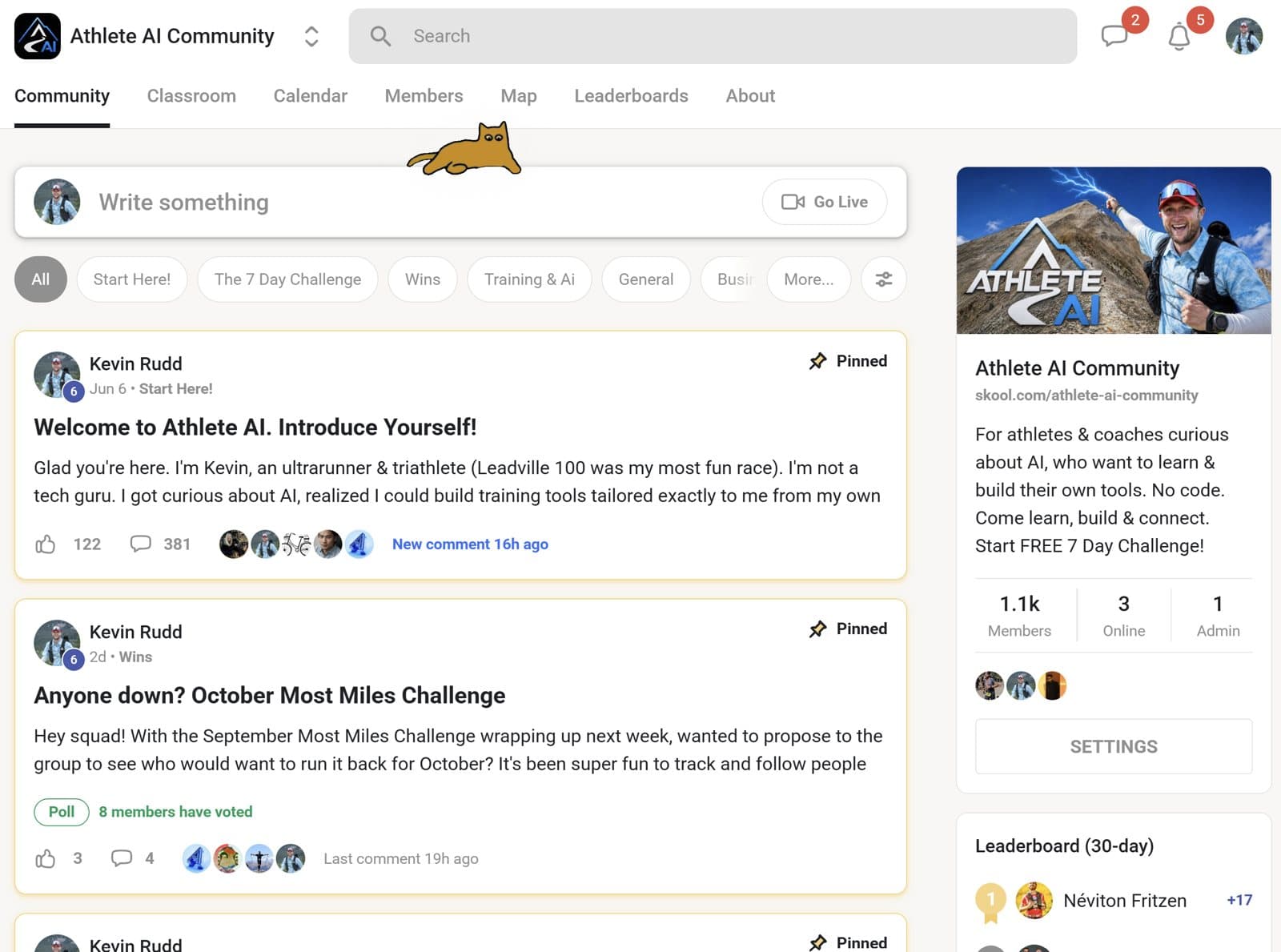
skool.com/athlete-ai-community
The Athlete AI Community on Skool
Join free on Skool Free forever. Takes 30 seconds.
Built by members

Athletes with no coding background, shipping their own AI coaches.

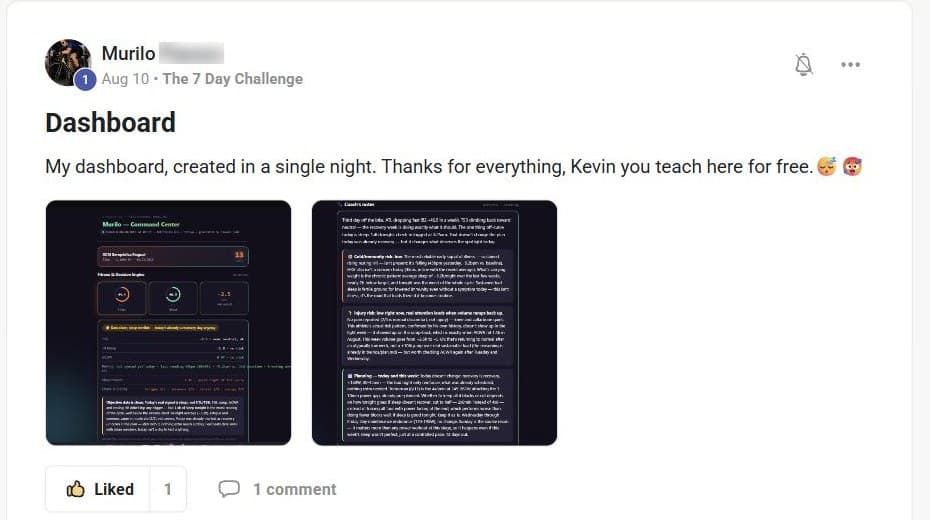
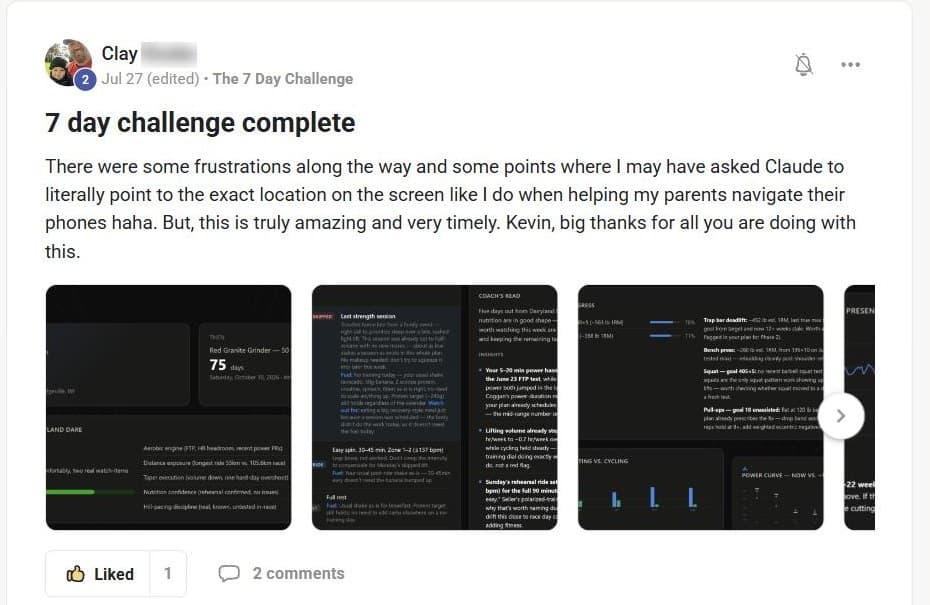
All of this came out of the free 7-Day Challenge. Straight from the community feed.

An AI coach for a 200 km gravel race

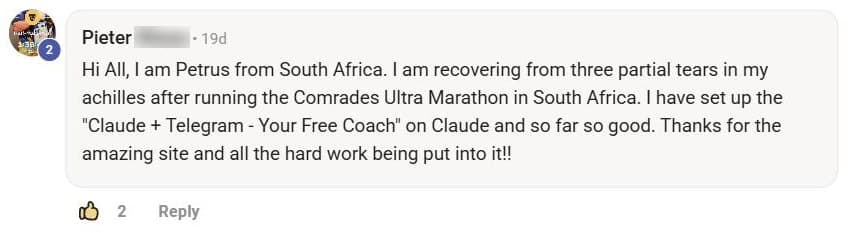
Apple Health and WHOOP data, one-word skills, and hard rules he set himself, all pointed at Traka 200.
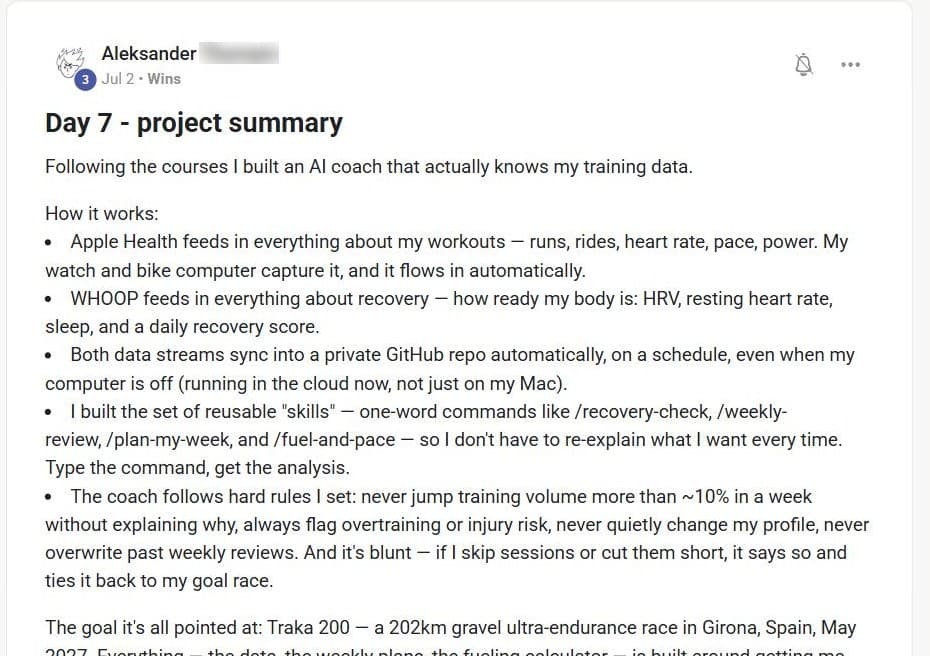
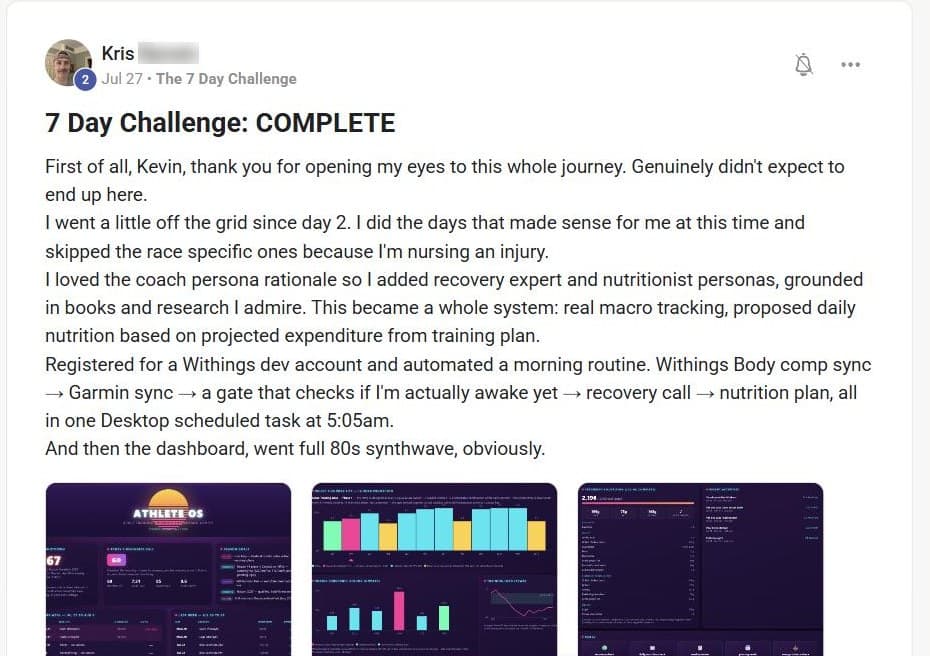
A 5:05 AM routine that runs itself

Added recovery and nutrition coaches, then automated Withings, Garmin, a recovery call, and a nutrition plan into one morning task.
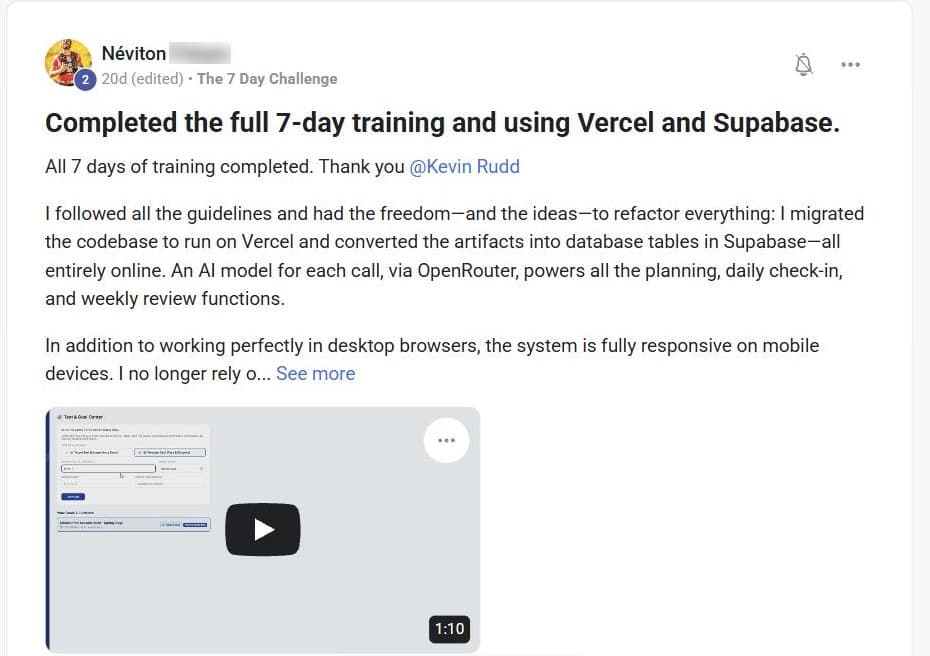
The whole system, moved to the cloud

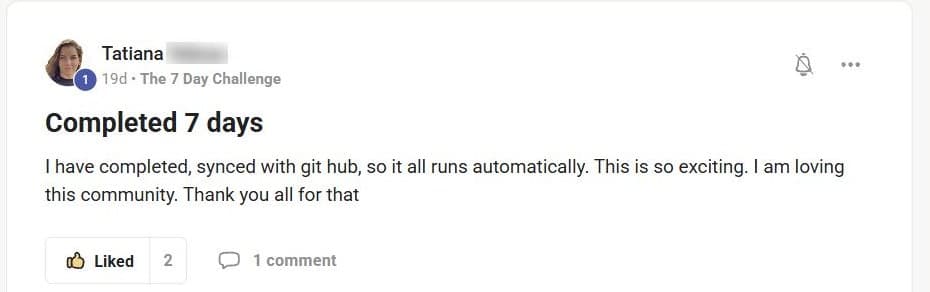
Finished all seven days, then rebuilt it on Vercel and Supabase with AI planning, daily check-ins, and weekly reviews.
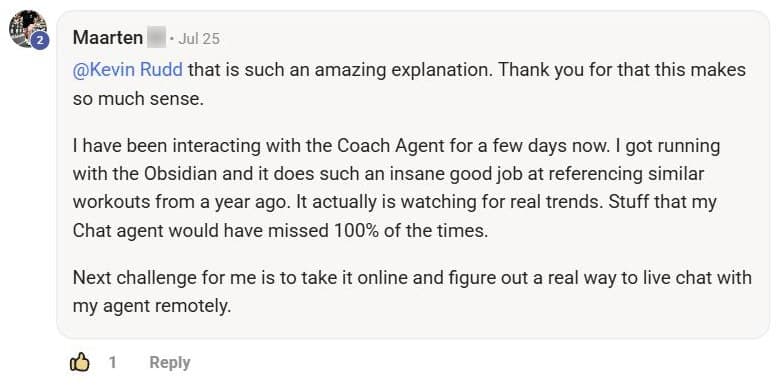
Trends a chat app would miss

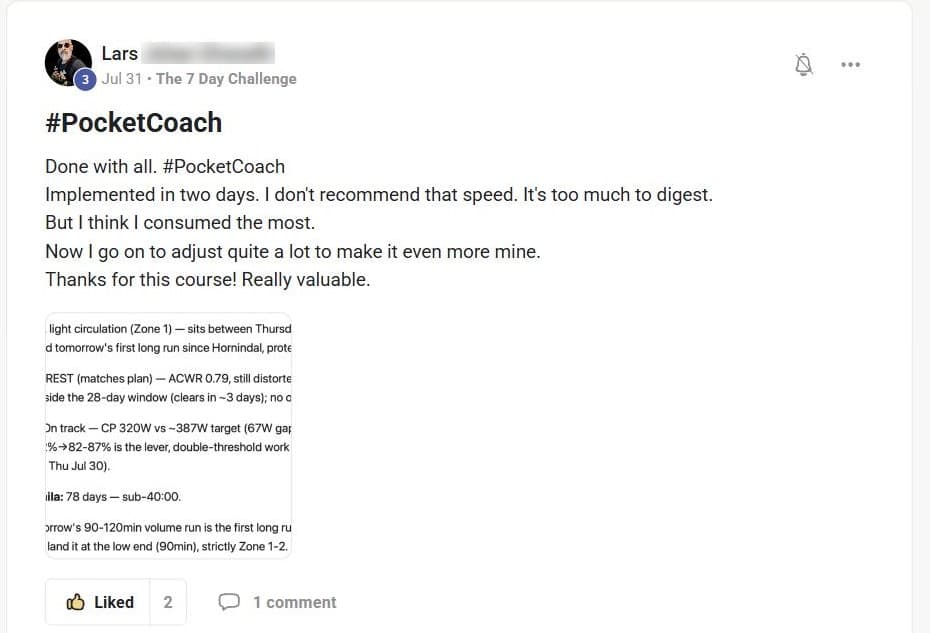
His coach pulls similar workouts from a year back and watches for real patterns in his training.
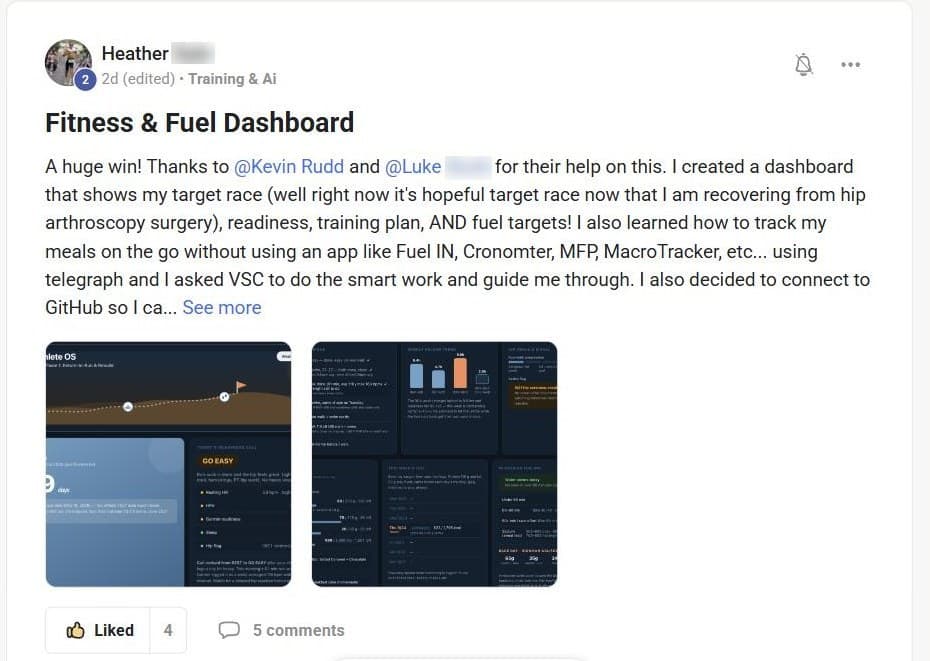
Fitness and fuel in one dashboard

Race readiness, her training plan, and fuel targets, built while coming back from hip surgery.
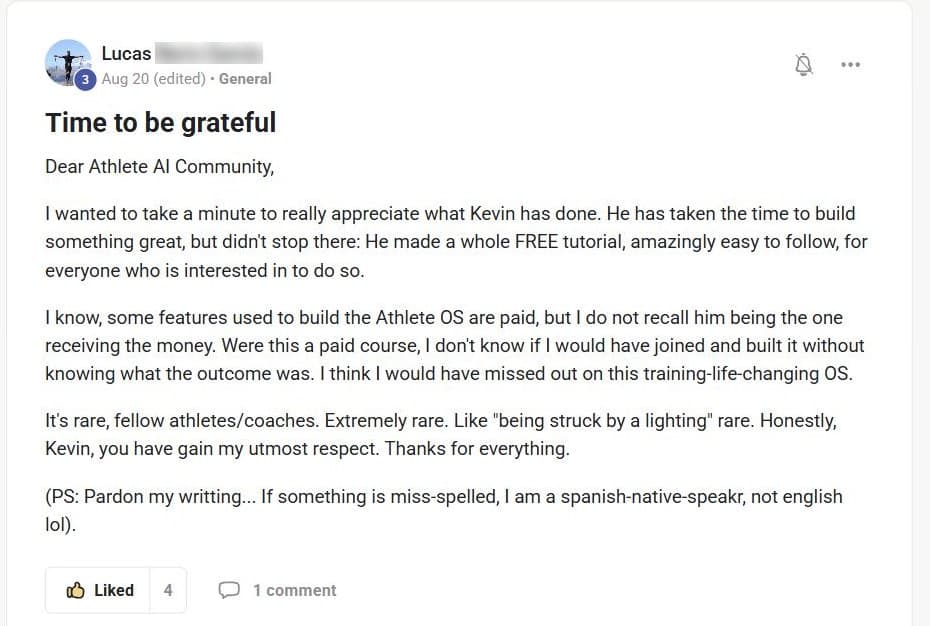
“Training-life-changing”

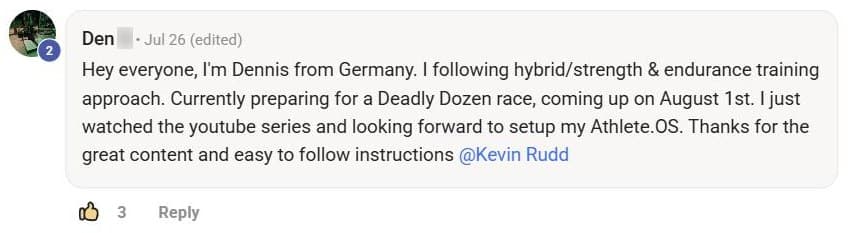
A thank-you to the whole community after building his Athlete OS from the free tutorial.
And the thank-yous keep coming.

FOUNDING COHORTNEXT CHALLENGE WAITLIST OPENTHE LIST GETS IN FIRSTFIRST 20 SEATS $249
Athlete AI Labs · Founding cohort

Build the app you wish existed.

The 7-Day Challenge gets you an AI coach of your own. Labs is where you build the app you always wanted. Four weeks from an idea to a real fitness app on your phone, built next to me and a room of athletes doing the same.

01 / BUILD

Learn to build it

Idea to a real app on your phone. Mobile or web. Every step is a prompt you run, in order.

02 / DATA

Plug in your own training

Strava, Apple Health, Health Connect, WHOOP. Your app runs on the data your watch already collects.

03 / ROOM

Build with other athletes

A room of athletes, coaches and fitness pros building their own apps. Trade feedback, test each other's builds, and see what's working.

04 / SHIP

Put it on your phone

You finish with a real app on your own phone. Use it in training, hand it to your friends, and keep making it better.

// NEXT CHALLENGE WAITLIST

Get the invite before anyone else.

The 4-Week Fitness App Challenge. Build the app you always wanted, together with other athletes. No coding experience required.

The next Challenge opens to this list first.

More than 1,200 athletes are already building in the free Athlete AI Community.

We'll email you about Labs. Unsubscribe anytime.

The four weeks.

00
Week 1 · Orientation

Know exactly what you're shipping.

How it runs, the tools, and exactly what you ship.

We're covering
  • How the four weeks run and where to get help
  • The accounts and tools you need, set up once
  • Mobile or web: picking your track
  • What your finished app looks like on day 28
Your accounts open and your track picked.
01
Week 1 · Foundations

Get set up. Speak the language.

What an app actually is, your stack, and Claude Code set up. Ends with hello world on your own phone.

We're covering
  • What an app actually is: web vs native, and which your idea needs
  • The vocabulary: APIs, frontend vs backend, repos, builds, deploys
  • Claude Code in VS Code, and the one prompt that scaffolds your project
  • Your CLAUDE.md, your vault, and the two skills you use every day
  • How to run and test it: Expo Go, dev builds, TestFlight
"Hello world" running on your own phone.
02
Week 1 · Idea and PRD

Cut it down. Prove it. Write it down.

Cut your idea to one loop you can ship, validate it with real people, and write the plan the build runs from.

We're covering
  • Deriving your MVP from the idea you already have
  • Validating it with five to ten unbiased people
  • Writing a PRD that Claude can actually build from
  • Naming, your domain, and the three availability checks
  • Privacy, terms, and what the app stores require
A signed-off MVP, real validation, and a build-ready PRD.
03
Week 2 · Wireframe and design

Make it look like a real product.

Every screen drawn before it's built, and a design system that makes it look like a real product.

We're covering
  • Avoiding AI slop: Mobbin to find screens, Figma to lay them out
  • Picking your style: palette, fonts, and one distinctive thing
  • Your flow board: the eight flows every app needs, plus yours
  • Logo, app icon, and splash screen, one prompt each
Every flow wireframed and a locked design system.
04
Weeks 2-3 · The build

Build the whole thing.

The core. Auth, data, your core loop, and real fitness data from Strava and the health stores.

We're covering
  • Building with Claude: the method, debugging, and getting unstuck
  • Your database on Supabase, built straight from your PRD
  • App shell, sign in, onboarding, and your core features
  • Apple Health, Health Connect, and a cloud source like WHOOP
  • The full test pass on a real phone
A working MVP you can click all the way through.
05
Week 4 · Ship it

Get it into people's hands.

Your domain goes live, your app goes onto real phones, payments switch on, and you submit it.

We're covering
  • Your domain and marketing site, live
  • Onto real phones: TestFlight on iPhone, Google Play testing on Android
  • Going live with payments, if you want to charge for it
  • Submitting to the App Store, or shipping the web build
Your app on real phones, and submitted to the App Store.
06
After you ship · Growth

Put it out there.

For when you want other people using it. Get your app in front of other athletes.

We're covering
  • What makes your app different from the one you already use
  • App store listing, landing page, and getting found
  • Getting it to your run club, your team, and your gym
  • Your first 100 users, if you want to take it further
A plan to get your first users.
The next Challenge
Join the Challenge waitlist.
The list gets the invite first. ↑
SEE THE FULL LABS PAGE →

Your AI coach is one challenge away.

Seven days, one short lesson a day, and you finish with your own Athlete OS.

Join free on Skool
Join 1,200+ athletes and builders